I have seen countless videos and articles praising the Second Brain concept. I tried setting it up twice before, but both attempts collapsed into chaotic folders full of unread notes and abandoned outlines.
With AI agents, the problem becomes even more acute. If your workspace is disorganized, connecting an LLM only accelerates the mess.
This third iteration finally succeeded. The difference was not the note-taking app, but the automation layer and strict operational constraints.
Why Previous Setups Failed
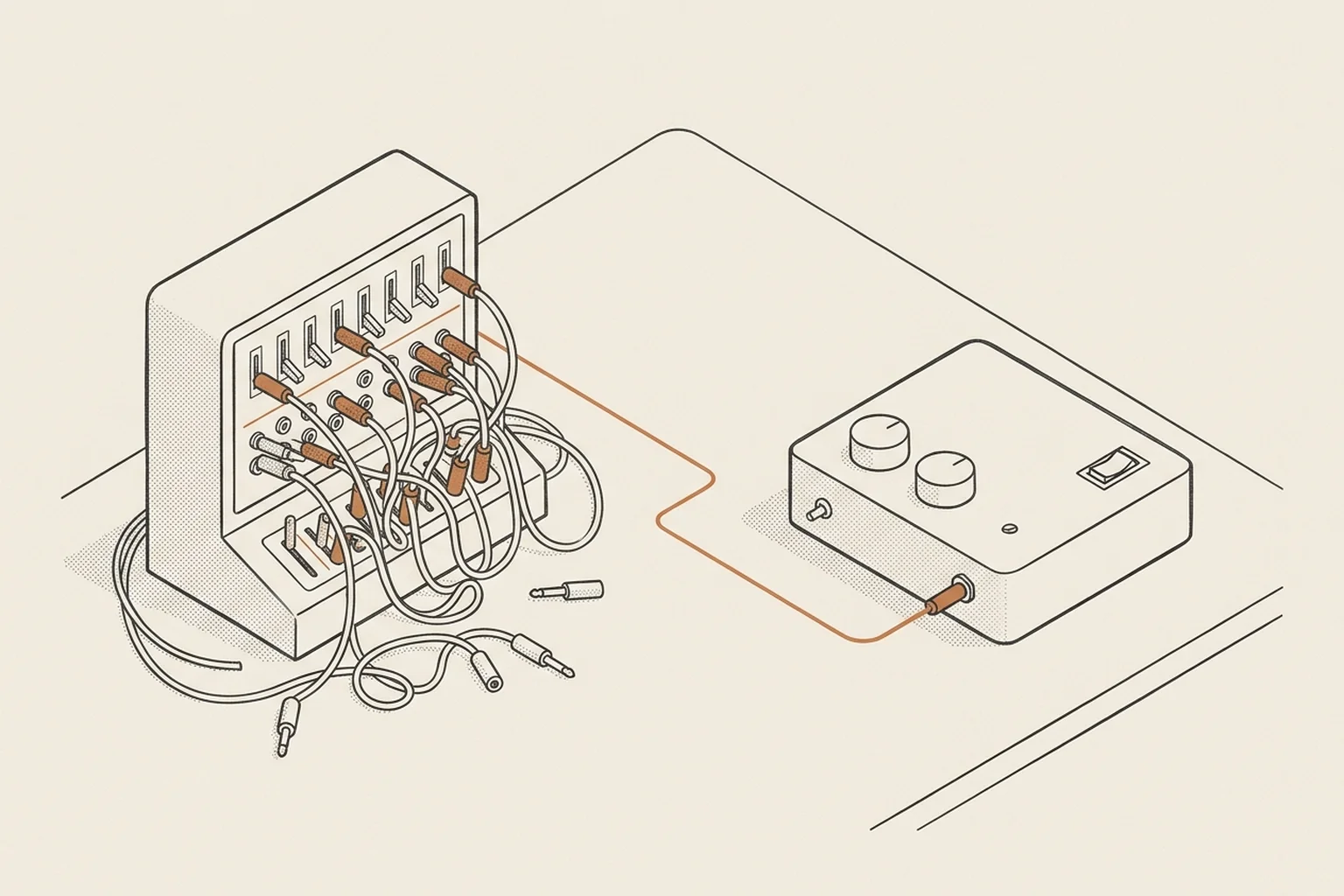
The fatal flaw of traditional knowledge bases is manual maintenance. As soon as updating notes requires extra friction at the end of a long workday, the system dies.
For a Second Brain to work alongside AI agents, three principles are essential:
- Strict folder isolation: Every project gets a dedicated folder with a clear, predictable internal structure. No loose notes floating in the root.
- Automated daily logging: Meeting notes, email digests, and git commits must be captured automatically through background scripts and MCP integrations.
- Contextual handoffs: Every AI coding session starts by reading recent decisions and ends by appending what was accomplished to a daily note.
How the AI Memory Layer Works
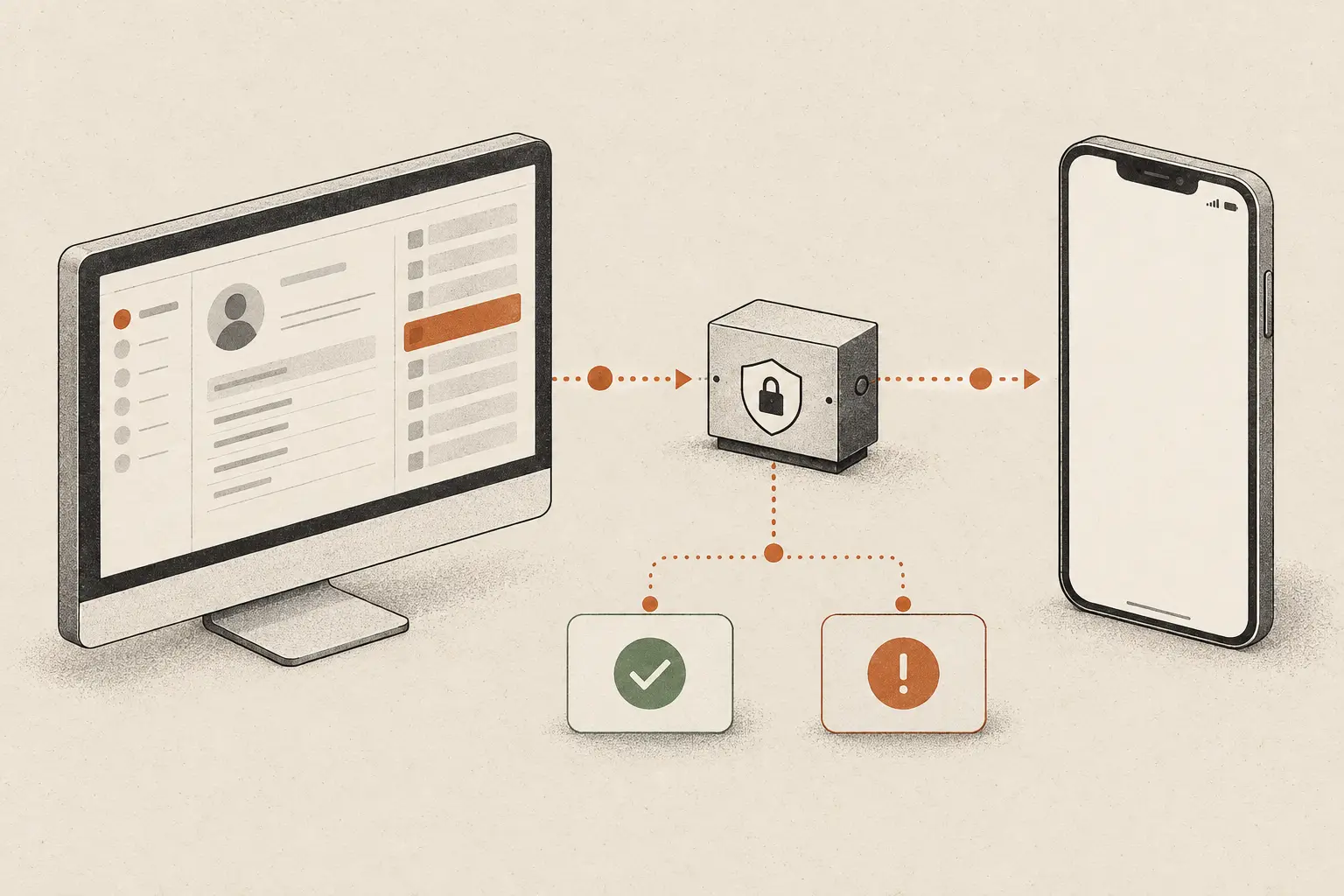
By connecting Obsidian notes through custom Model Context Protocol (MCP) servers, agents can query project history before writing a single line of code.
Instead of re-explaining architectural decisions, API tokens, or client preferences, the agent reads the context directly:
- What was built during the last sprint
- Which libraries are approved for use
- What open issues remain unresolved
The result is an assistant that operates like a long-term colleague rather than a fresh hire on day one.
If your team is losing hours to fragmented knowledge or repetitive onboarding, structured AI agent workflows can transform how you operate. Learn more about our agentic workflows or book a free consultation.